




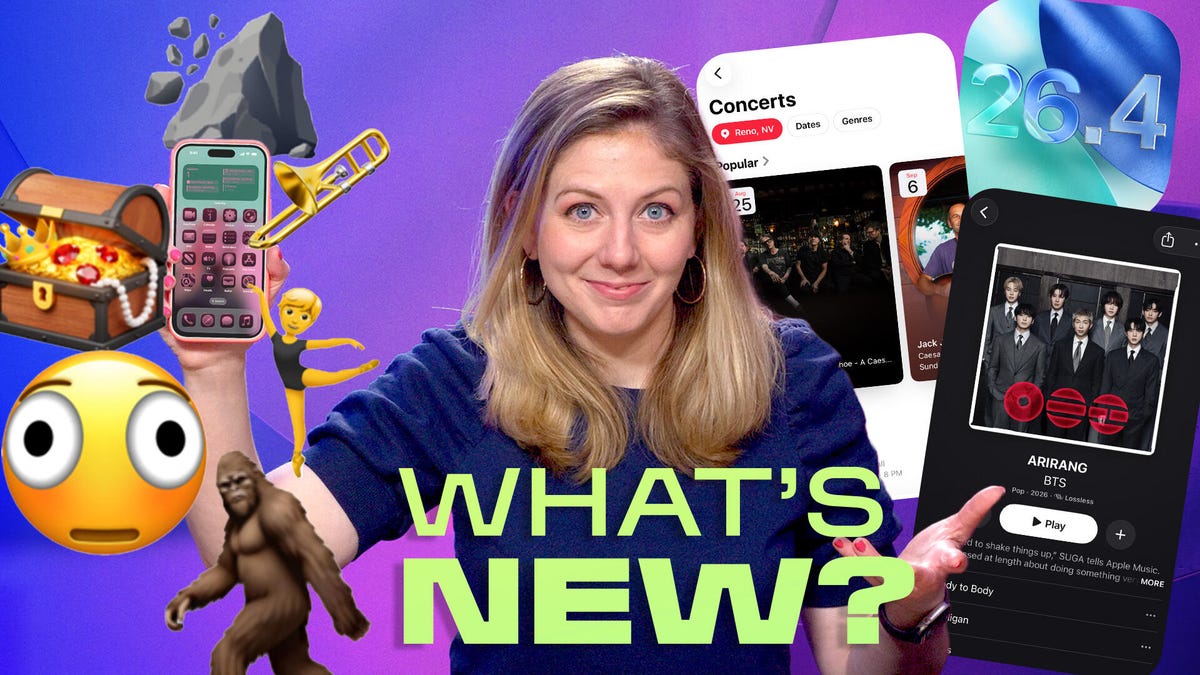
You don’t want to be the last person in your group text to see Bigfoot — er, the Bigfoot emoji — which just so happens to be one of eight new icons in Apple’s iOS 26.4 update out this week.
But iOS 26.4 update has more to offer than icons of distorted smiley faces, ballet dancers and fight clouds. Apple pushed out a fix to the keyboard, which in Apple’s release notes is described as “improved keyboard accuracy when typing quickly.”
Watch this: Don’t Wait: iOS 26.4 Brings New Emoji, Keyboard Fixes, AI Playlists
If you’ve been feeling frustrated with making typos on your iPhone, perhaps this update could smooth things out a bit. (Or you know, there’s always new ways to express frustration with the new emoji. Sad trombone, perhaps?)
This week’s episode of One More Thing, embedded above, goes over a number of major changes in iOS 26.4, including finding concerts in Apple Music and using AI to design playlists.
It’s hard to keep up with what music acts are coming to my area, but now Apple Music displays upcoming local concerts, and it’s not just popular musicians. I saw Jimmy Eat World is performing in June, and clicking to get tickets takes me to a portal to connect to the service Bandsintown… and alas, the performance was sold out. It let me order tickets from resellers jacking up the price. Totally feeling emo after that.
There’s also a feature called Playlist Playground, which uses AI to generate playlists based on a prompt you feed it and the music you tend to like.
I asked it to show me “music for being angry that I didn’t get tickets to see Jimmy Eat World,” and it came back with Emotionally Charged Emo Anthems for Missing Jimmy Eat World. The playlist featured heroes of the early 2000s emo-rock era, such as Saves The Day, Taking Back Sunday, New Found Glory, Yellowcard and Something Corporate.
You can keep tweaking before you save. I had to tell it to add some Jimmy Eat World to the playlist, funny enough. The program is in beta, but you don’t need to have any special Apple Intelligence-enabled iPhone to try it — the feature is for every Apple Music user, including Apple Music for Android.
Meanwhile, the Podcasts app also got a new feature to include a way to watch your favorite video versions of podcasts — if the show has it set up to toggle between audio and video.
But even if that doesn’t excite you enough, sometimes it’s just about the really simple fixes that make an iOS update worth it. There are new settings to manage payment methods for adults in a family that uses purchase sharing. There are accessibility setting improvements to reducing bright effects and reducing animation for Liquid Glass.
There’s also a new ambient music widget to tap into some meditative, calming music at any moment. Like when you need to just chill out about that Jimmy Eat World concert you didn’t know existed until you updated your phone. Sheesh.
For more One More Thing, subscribe to our YouTube page to catch Bridget Carey breaking down the latest Apple news and issues every Friday.
Read the full article here